Extenders in Nebula Entry Beta
Overview
An extender is a device such as a repeater or a node which allows the distance between a gateway and an electronic lock to be increased. These devices forward communication signals between electronic locks and gateways.
The following extender devices are available for use with Nebula:
- BLUEnet Node
Creating extenders
You can create extenders via Nebula Entry web or using the Nebula Commissioning app during the configuration process. If you create extenders via Nebula Entry web, they still need to be configured using the app.
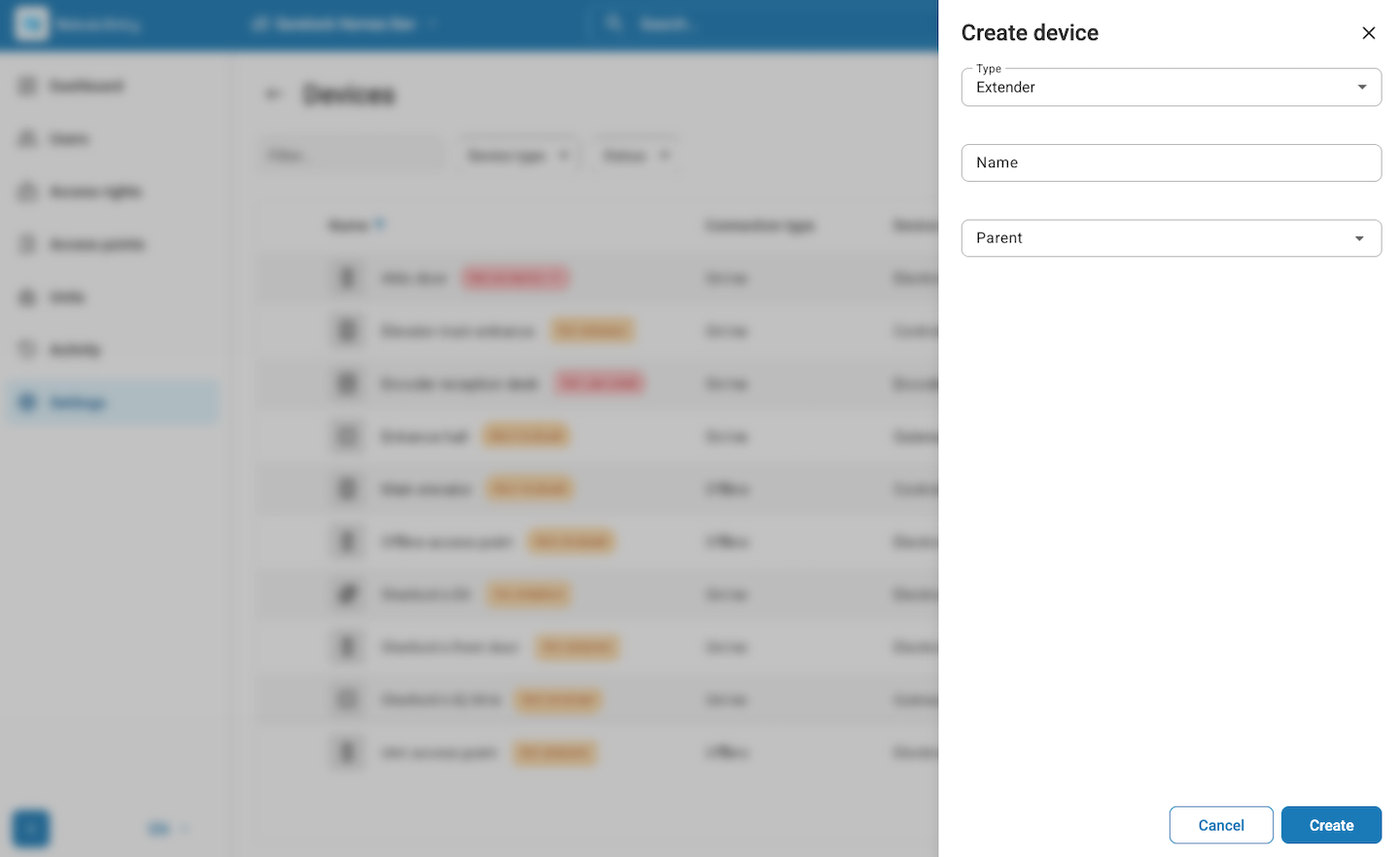 Create device dialog for an extender, showing the Type and Parent fields
For a full description of how to create and configure extenders see the section on configuring devices.
No matter whether you create extenders via the web or app, create the extender before you create the online electronic locks that lie beneath it. An extender must always be connected to a parent device like a gateway.
To create an extender, go to Devices > Create and select Extender from the Type drop-down menu. Enter a name for your extender, select its parent device in the Parent field, and select Create. Name your extenders in a coherent manner so you can find them in your system.
Once you've created an extender, you can select it as the Parent of an online electronic lock. For more information on how to do this, see creating electronic locks.
 Back
Motorized locks
 Encoders