Deleting installations in Nebula Entry Beta
Overview
Only users with the role of owner can delete an installation.
Deleting an installation means permanently removing all elements of the installation. Be careful before you delete an installation as once it has been deleted you cannot recover any of the access control elements, including the activity, belonging to the installation.
You cannot delete an installation that contains previously configured devices, like electronic locks. If your installation contains configured devices, you must first reset those devices before continuing.
Once you delete your installation you will no longer be able to access it. The installation's users and their access rights will also be deleted meaning that users will no longer be able to use their keys to unlock access points belonging to the installation. You will no longer be able to view the installation's activity and the correct functioning of devices may also be affected.
Delete installation
If you have access to multiple installations, ensure you are located in the correct one before deleting it.
Go to Settings > Danger zone and select Delete this installation.
Read the warnings.
To verify that you're deleting the correct installation, type the name of the installation you want to delete.
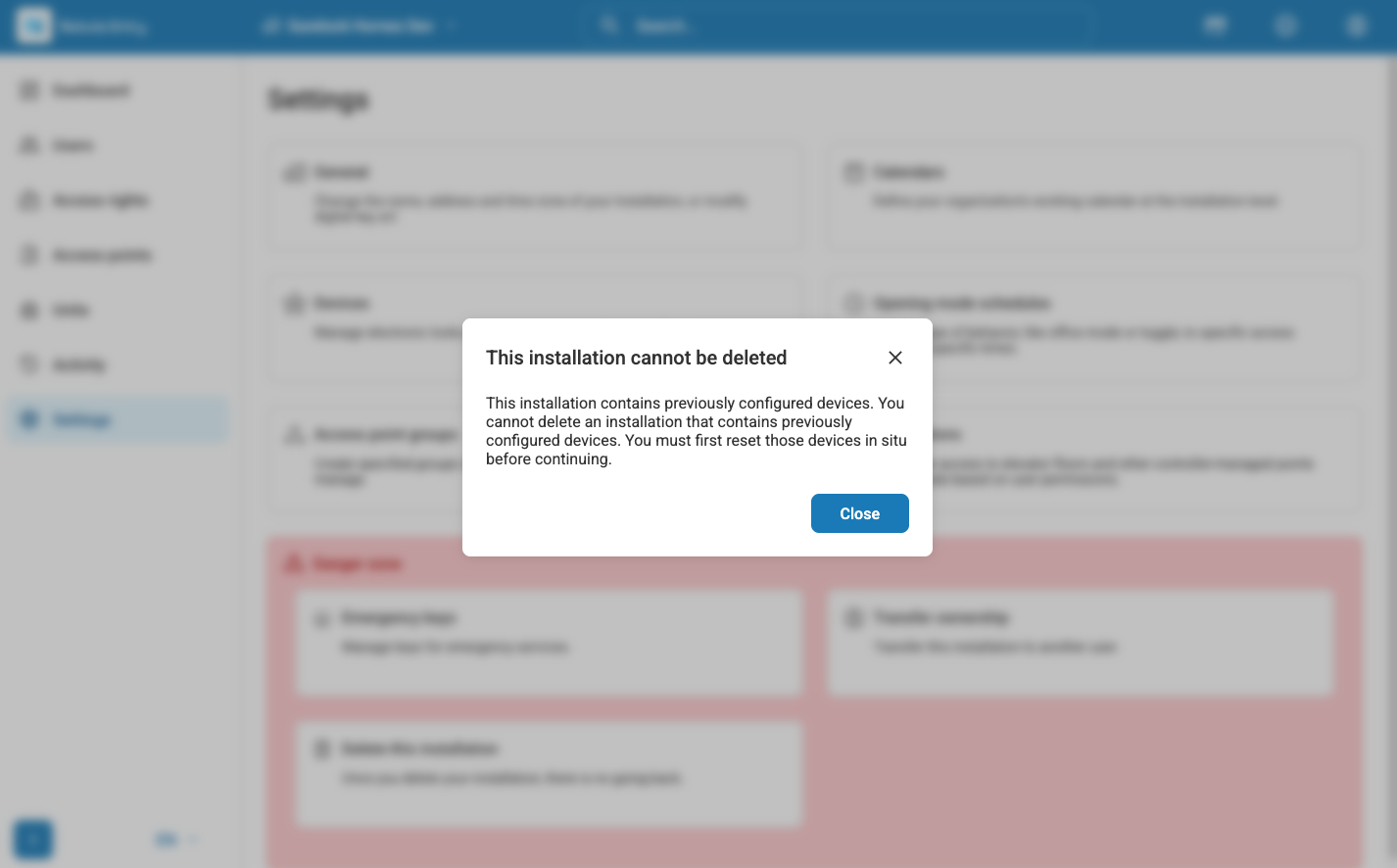 You cannot delete an installation that contains configured devices
Click Confirm delete.
Subscriptions
If you have an existing subscription, this will automatically be canceled when you delete your installation.
Check with your Salto certified installer for more information and see also the section on subscriptions.
 Back
Transfer ownership
 Language