Site Licensing
Within the Dashboard, you can view and update the license for the selected site.
Site Overview
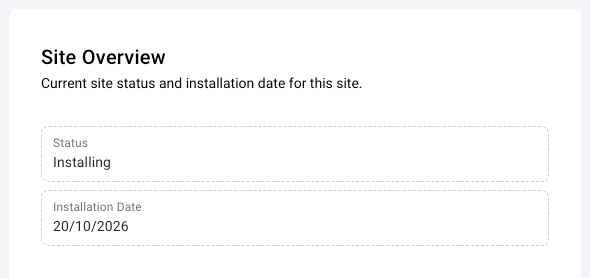
The Site Overview card shows the current status of the site and its installation date:
- Status: displays the current status of the site.
- Installation Date: displays the date the site was created.
The Status of the site can be one of the following:
| Voucher Icon | Site Status | Reason |
|---|---|---|
 | Active | Voucher is in date |
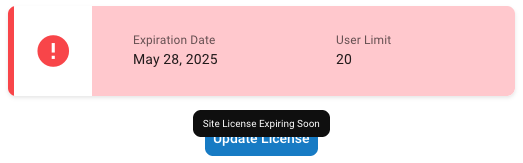
 | Active | Voucher is expiring soon |
|
| Disabled | Voucher has expired |
|
| Installing | Site is being installed, a temporary voucher was automatically applied |
You are able to see the reason for the Status by hovering over the voucher on the Dashboard.
Site License
The Site License card shows the license limits for the site, from the voucher that is currently active:
- Expiration Date: displays the date the voucher will expire.
- User Limit: displays the maximum number of users that can be enrolled for the site. For vouchers with an unlimited number of users, the User Limit shows ∞.
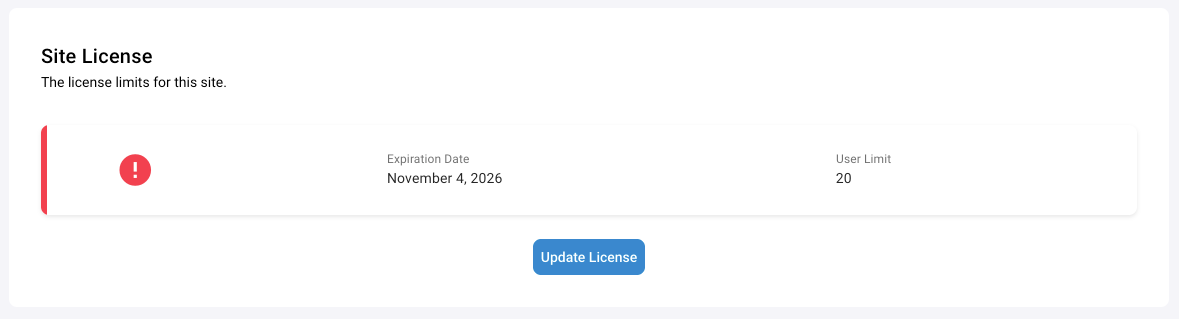
To extend your license Expiration Date or increase User Limit, contact your Salto Partner to request a Voucher Code, then click Update License on the Site License card and enter the code.
There is a grace period after the voucher has expired to allow time for a new voucher to be applied, before the system on the site has limited functionality. Until a site has entered this grace period, you are not able to downgrade the User Limit below the current number of users.
Customer handover
While a site is Installing, the dialog that opens from Update License is called Customer Handover. Before you can apply the customer's voucher, the site must meet these conditions:
- A server is online
- There is at least one device online, ready and paired to a door
- There is at least one user in the team
- The terms of service have been accepted
Each condition shows whether the site meets it.
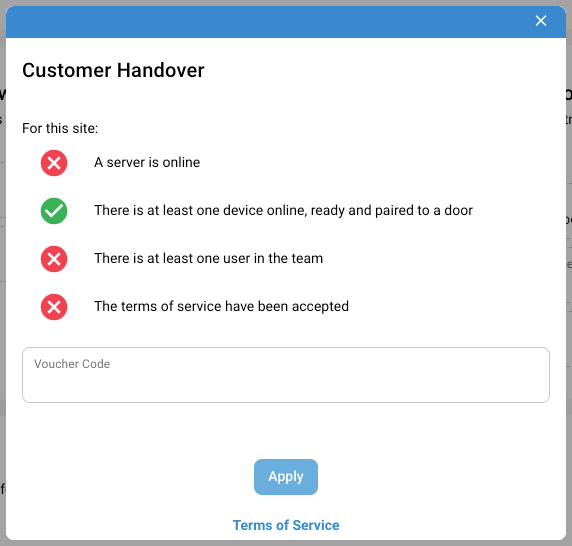
When the site meets all the conditions, enter the Voucher Code and click Apply.
Partner Contact Information
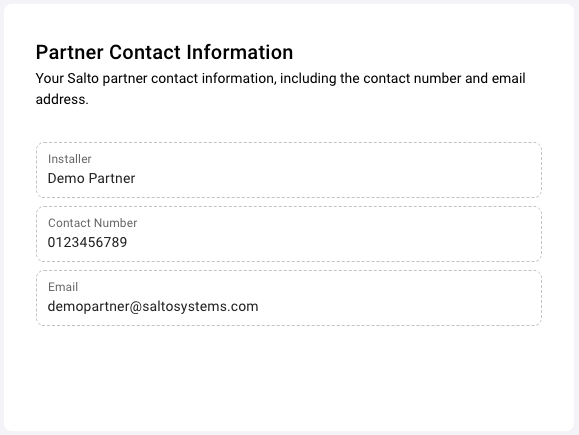
On the Dashboard page you can view your Salto Partner Installer and their contact details, including Contact Number and Email. These can be used to request a license update.
 Back
Server Installation
 Organizations