Features
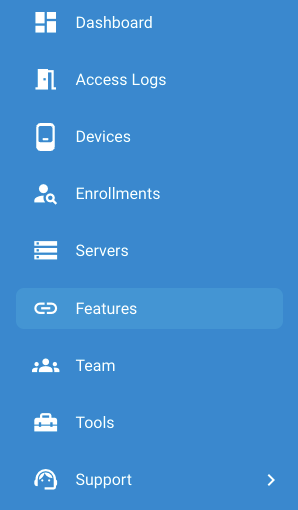
The Features page can be found on the left-hand pane of the XS4 Face Console. This is where you configure XS4 Face with access control systems and other third-party tools and services. Earlier versions of the XS4 Face Console called this page Integrations.
Each integration appears as a tile on this page:
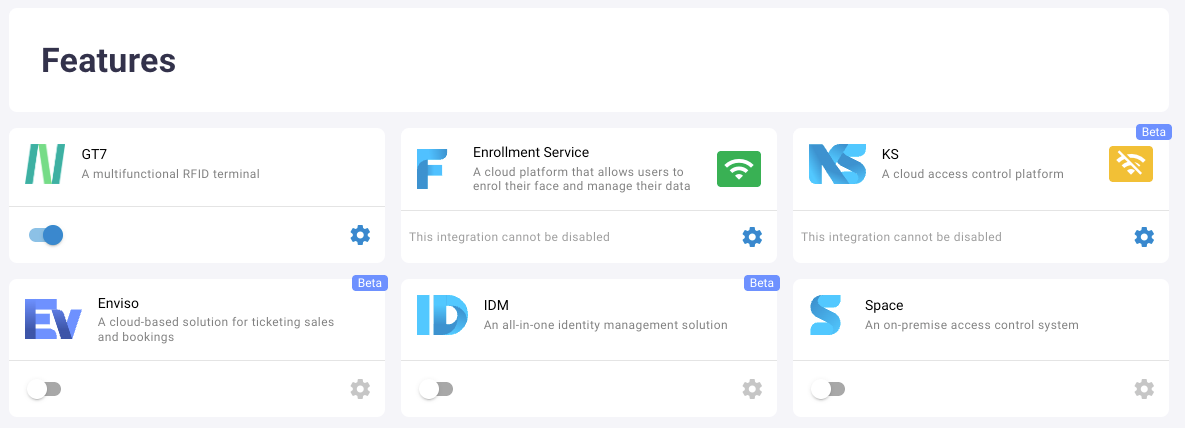
| Integration | Description |
|---|---|
| Enrollment Service | The XS4 Face Enrollment Service, where users enroll their face and manage their data. This integration can't be disabled once it's configured. |
| Space | Salto Space access control. |
| KS Beta | Salto KS access control. The tile appears only for sites that are paired with a Salto KS site, and the integration can't be disabled. |
| GT7 | Salto GT7 terminals as control points. |
| Enviso Beta | Enviso ticketing and bookings. |
| IDM Beta | Salto IDM identity management. |
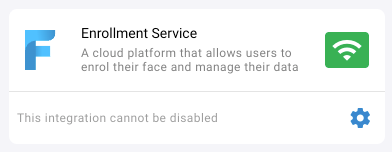
The status indicator on each tile shows the connection status between the XS4 Face Server and the integration.
| Status indicator | Reason | Explanation |
|---|---|---|
 | Connected | The connection between the XS4 Face Server and the integration is established |
 | Unauthorized | The XS4 Face Server cannot authorize with the integration (e.g The API key is incorrect) |
 | Disconnected | The XS4 Face Server cannot establish a connection with the integration |
 | No status | The integration has not been configured yet |
When a card is selected, the configuration options for that integration will be displayed.
To add an integration, click the toggle button in the bottom-left corner of its tile.
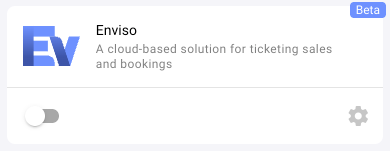
To configure an integration, click the settings icon on its tile. A drawer opens on the right-hand side of the page with the configuration options for that integration.
Using more than one access control integration
A site can use more than one access control integration at the same time, for example Space and KS. You can enable the Space, KS, GT7 and Enviso integrations on the same site.
Each XS4 Face Device is paired with one control point, from one integration. When a user presents their face to a device, the integration that the device is paired with decides whether to grant access. The other integrations ignore the request. If no integration handles the request, for example because the device isn't paired with a control point, access is denied.
This section contains the following pages: