Physical keys in Homelok
Physical keys refer to physical user credentials such as keycards, wristbands or fobs. For more information on how to get this type of key, please contact your property manager.
| Physical key type | Example |
|---|---|
| Keycards |
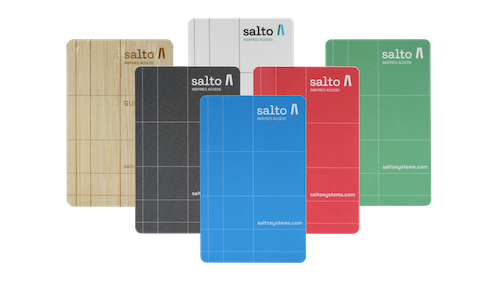 |
| Fobs |
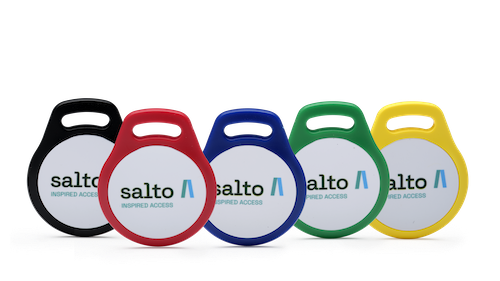 |
Using physical keys
To unlock with a physical key such as a keycard, wristband or fob, hold the key close to the electronic lock. If access is granted, a green light flashes on the lock and it unlocks. Otherwise a red light flashes to indicate that you do not have access rights to that specific lock.
It's important to hold the key at online locks until the LED turns red or green, because the lock also transfers any new data to your key as you unlock it. This data could include, for example, new access permissions or an extension of the key's expiry time.
 Back
Troubleshooting
Back
Troubleshooting