Server Installation
Prerequisites:
- Access to a Site in the XS4 Face Console, with permissions to add servers.
- A machine which meets the XS4 Face Server System Requirements.
To configure a machine as an XS4 Face Server, navigate to the Servers page in the XS4 Face Console and click Add Server.
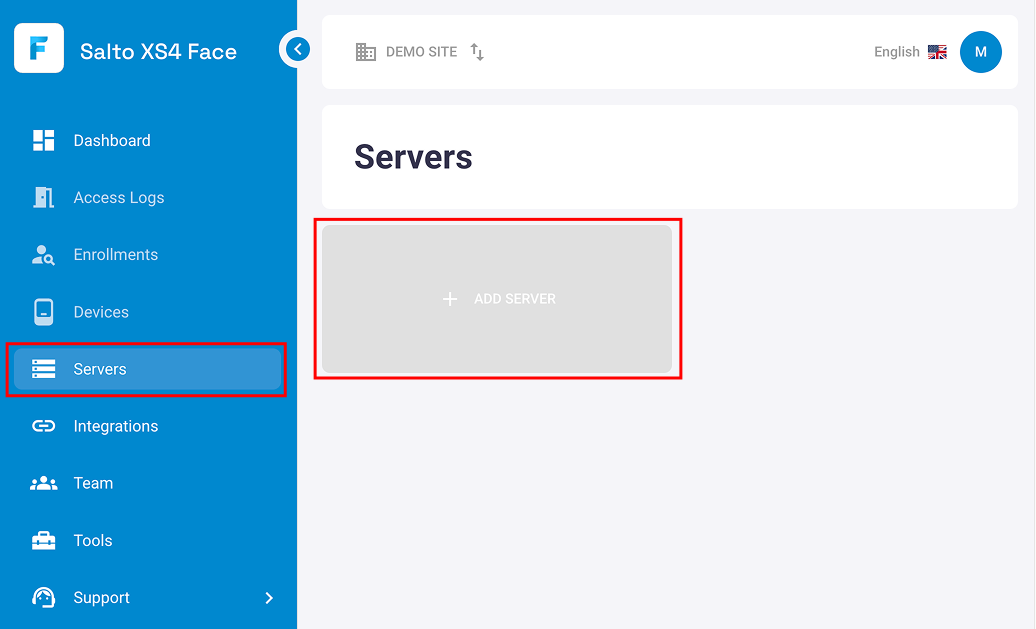
This will open the installation wizard.
Express installation
The express installation is divided into two stages: Stage 1 sets up and configures the server, while Stage 2 is site-specific and installs the XS4 Face Software.
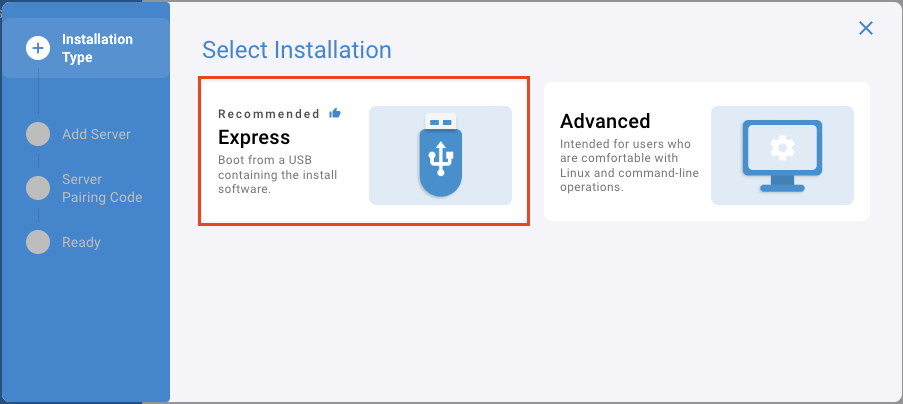
Select Express Installation.
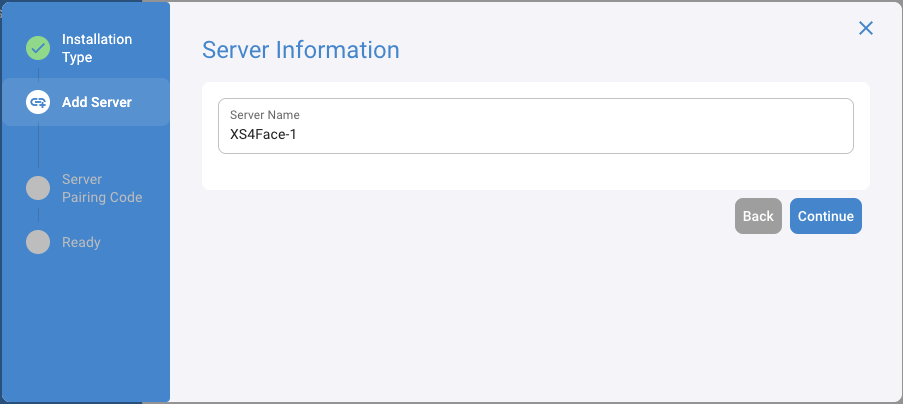
Create a name for the server, and click Continue.
Boot the installation software on the target machine:
- If using a physical machine, insert a Server Installation USB into the target machine and boot the machine from that USB drive. You may need to adjust the BIOS/UEFI settings to prioritize booting from USB, refer to machine manufacturer documentation for instructions.
- If using a virtual machine, refer to the Server Virtualisation guide to set up a virtual machine that boots from the XS4 Face Server Installer ISO.
Wait for the latest installation software to download, once downloaded it will start automatically.
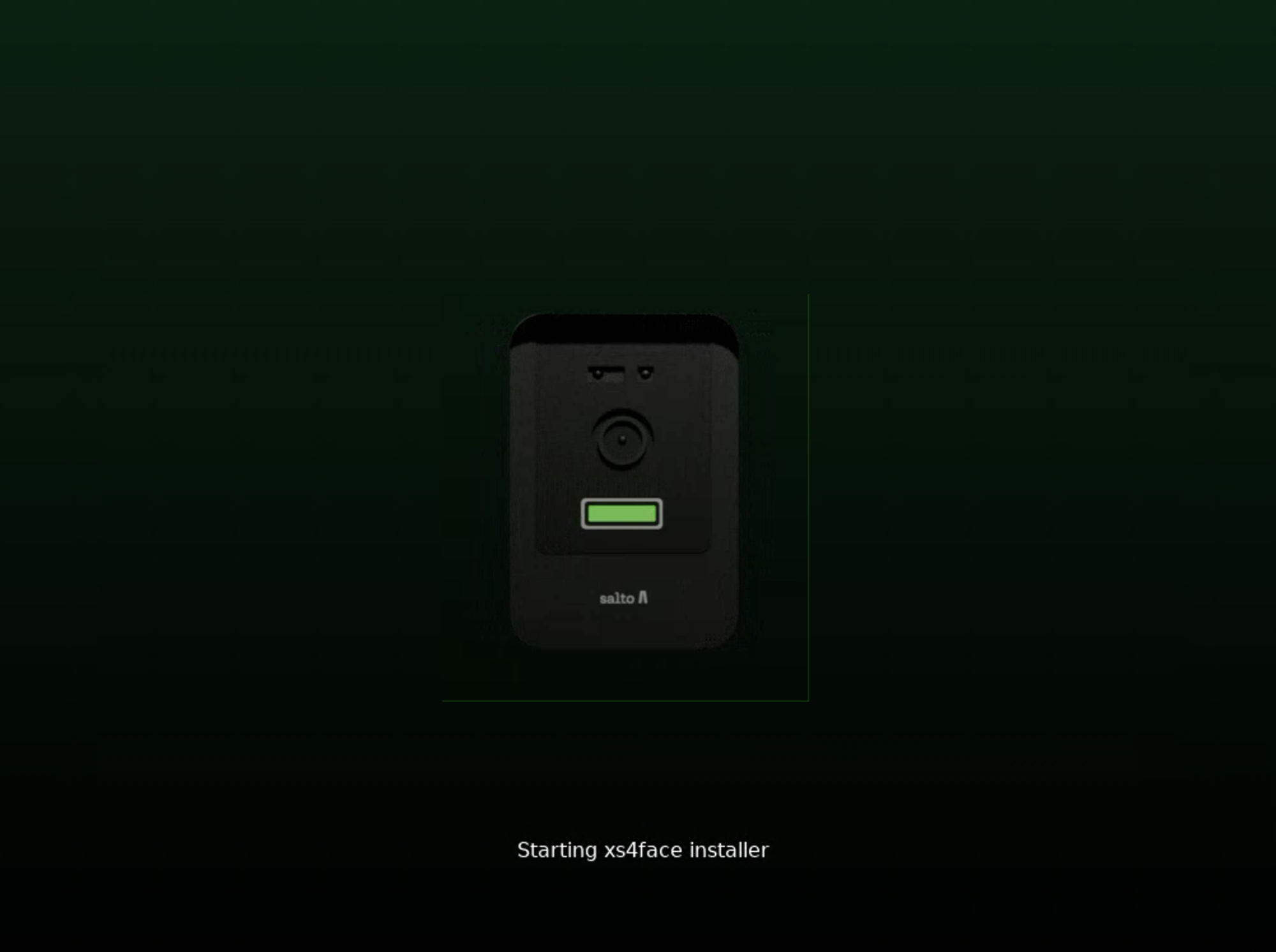
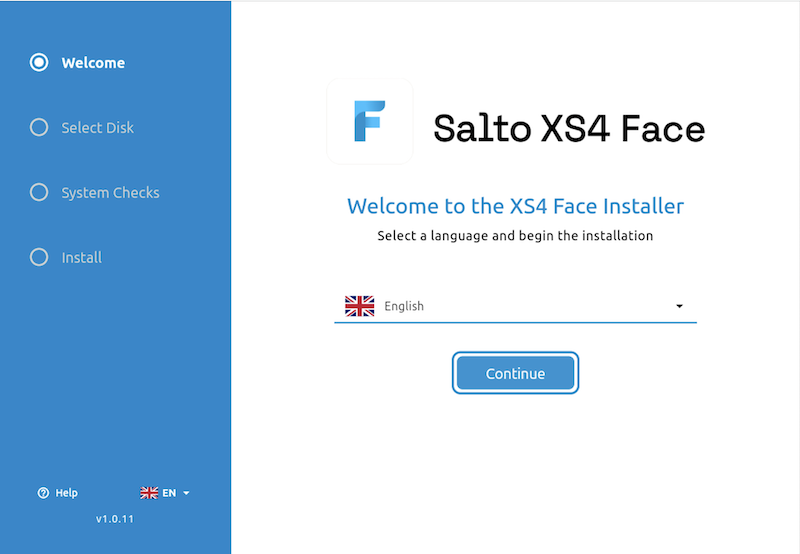
When the installation software has started, select your preferred language, and click Continue.
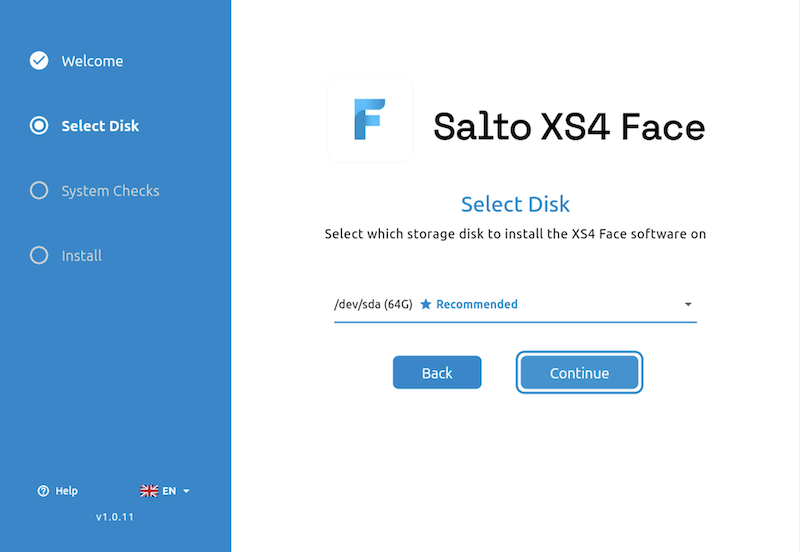
Select the disk from the drop-down menu to install the XS4 Face Server software on, and click Continue.
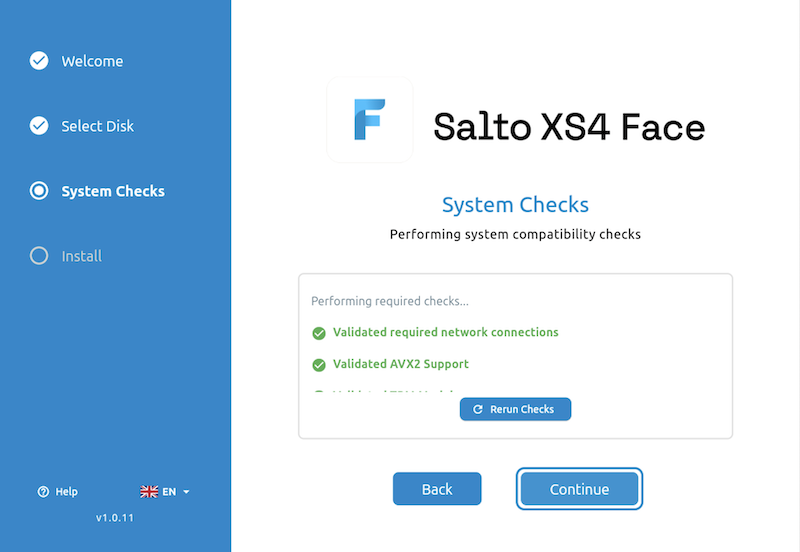
The installer will perform system checks to ensure the machine meets the minimum requirements. If the checks pass, click Continue to proceed. If any checks fail, address the issues and rerun the checks.
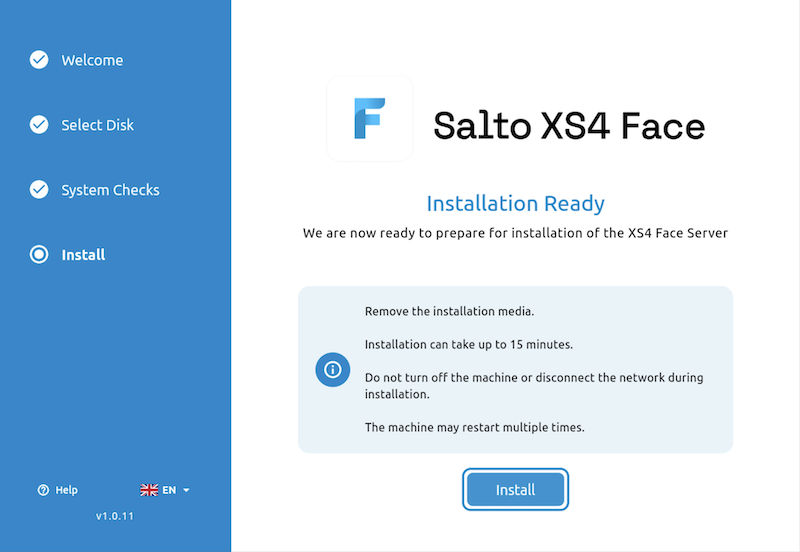
The installer is then ready to begin installation of stage 1. Remove the installation media and click Install to start.
Once stage 1 of installation has completed, stage 2 will download automatically and display the next steps. Select the timezone and click Continue.
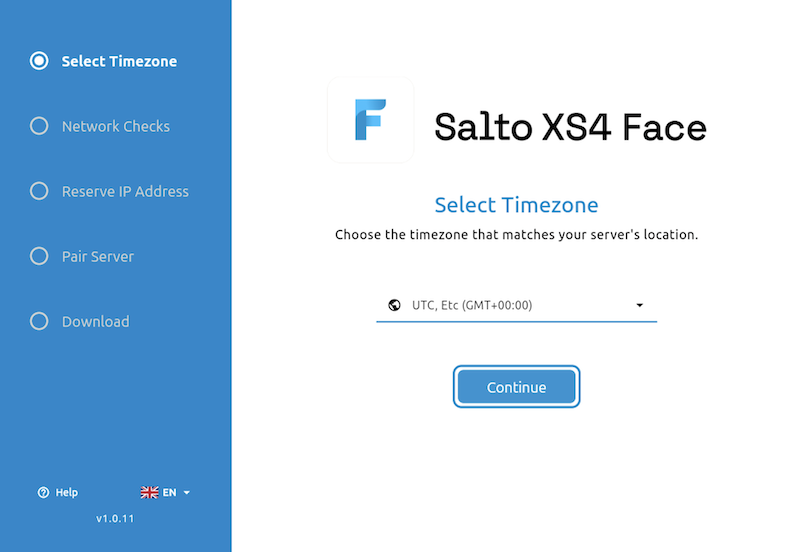
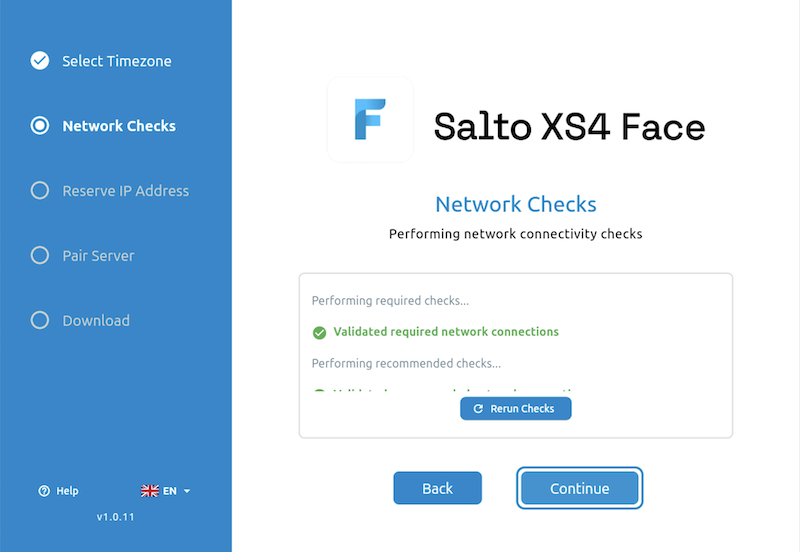
The installer will perform network checks to ensure the machine can access the necessary connections. If the checks pass, click Continue to proceed. If any checks fail, address the issues and rerun the checks.
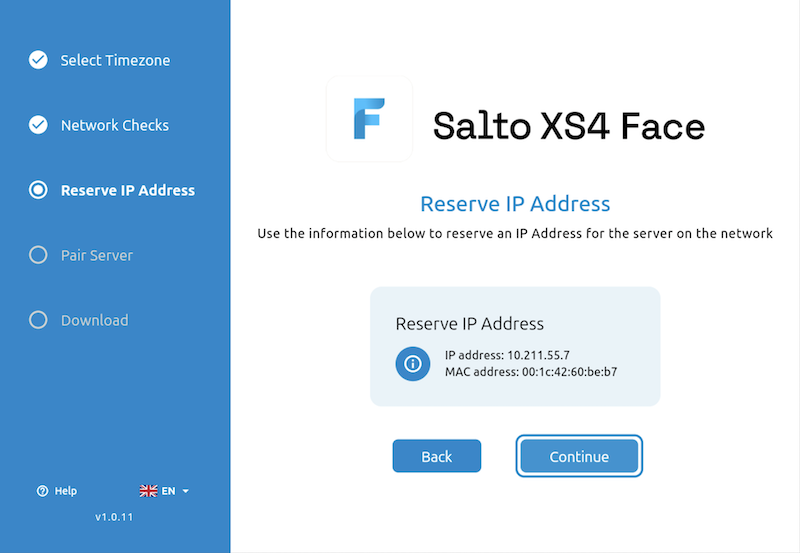
Use the network information displayed to reserve the IP address for the server in your router or DHCP server, and click Continue.
On the Server Pairing screen, make a note of the pairing code displayed.
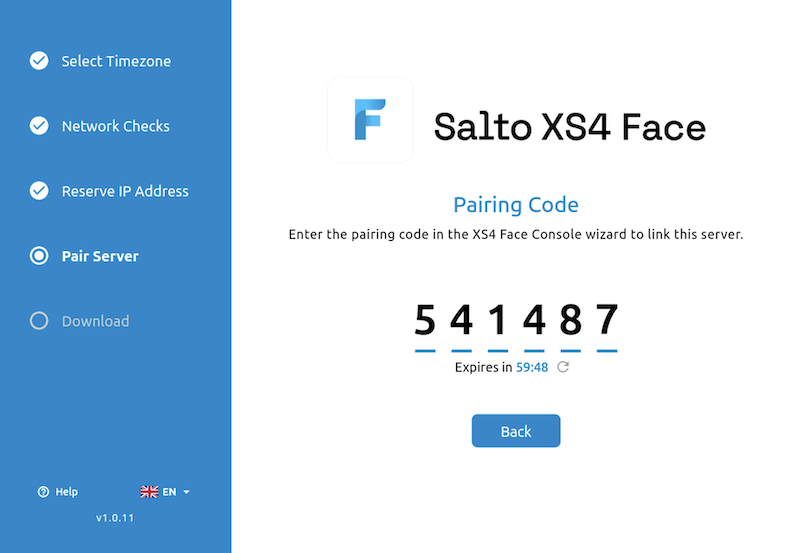
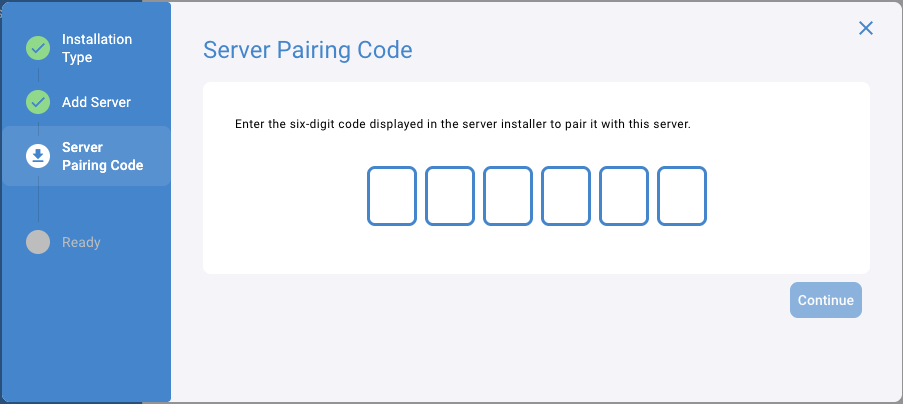
Return to the XS4 Face Console, enter the pairing code, and click Continue.
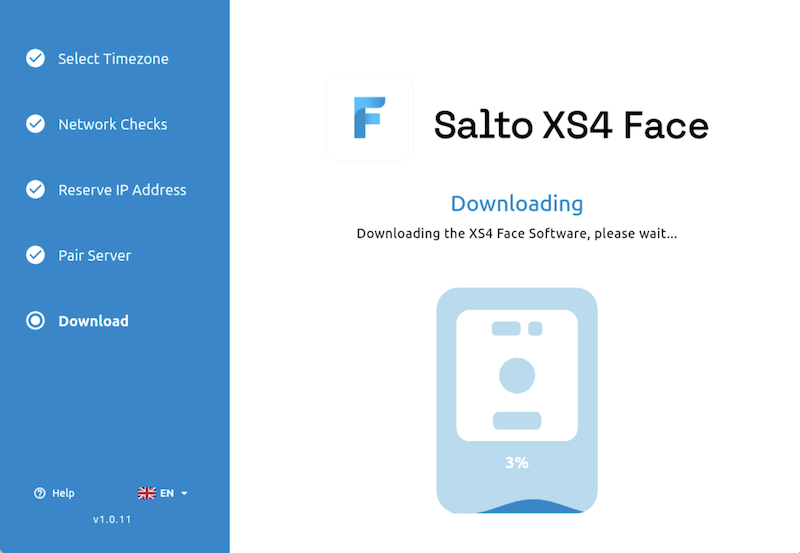
When the pairing is successful, the installer on the target machine will proceed to the next step: Download which will automatically begin downloading the XS4 Face Software.
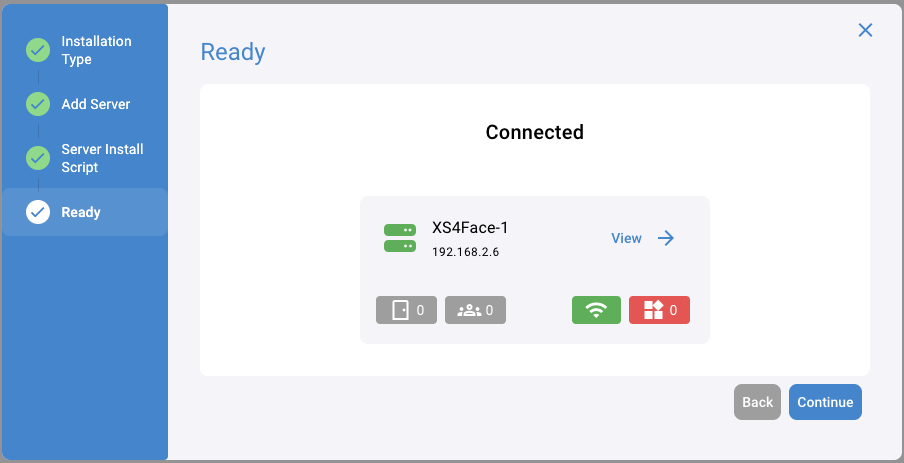
When the installation is complete, you can close the wizard in the XS4 Face Console by clicking Continue.
Advanced installation
Run an installation script on a machine running Ubuntu Server 24.04 LTS (minimal) to install the XS4 Face Server software.
Follow the Ubuntu Server 24.04 LTS installation guide to install the required operating system on the target machine.
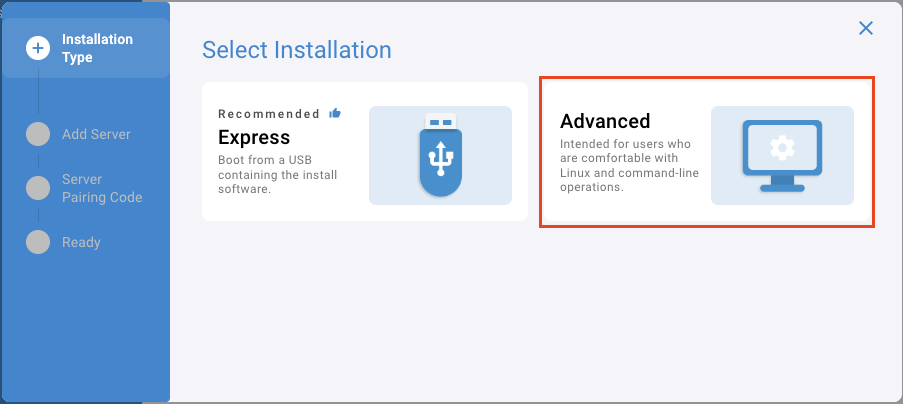
Select Advanced Installation
Reserve an IP address for the server in your router or DHCP server and enter this address into the IP Address field, then click Continue.
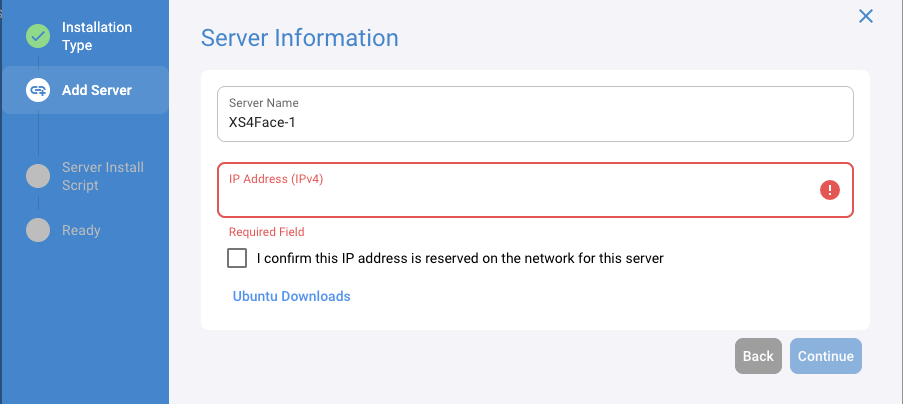
On the target machine, open a terminal and run the installation script provided. Answer the prompts as they appear and wait for the installation to complete.
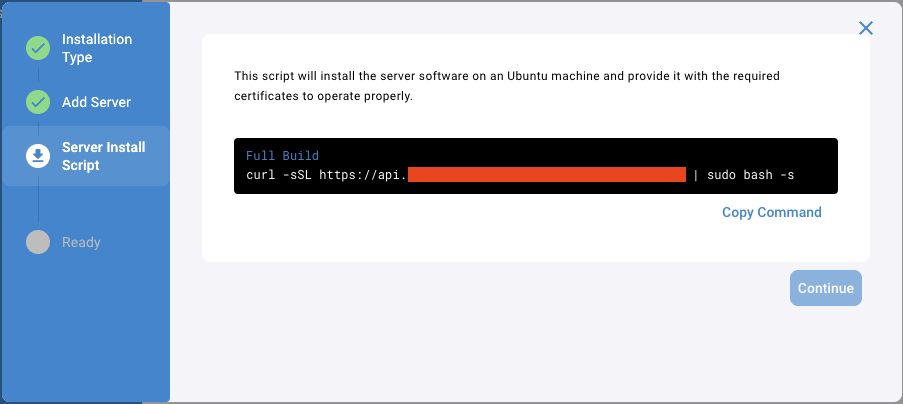
When the installation is complete, you can close the wizard in the XS4 Face Console by clicking Continue.
 Back
Back
 Integrations