Configure Dymo LabelWriter
How to configure the Dymo LabelWriter for Salto IDM
This guide shows how to install and configure the Dymo LabelWriter to print Visitor label stickers with Salto IDM.
Perform the installation on the local machine where the printer will be attached.
In order to create a custom design for the visitor labels please check the Create Custom Dymo Label guide.
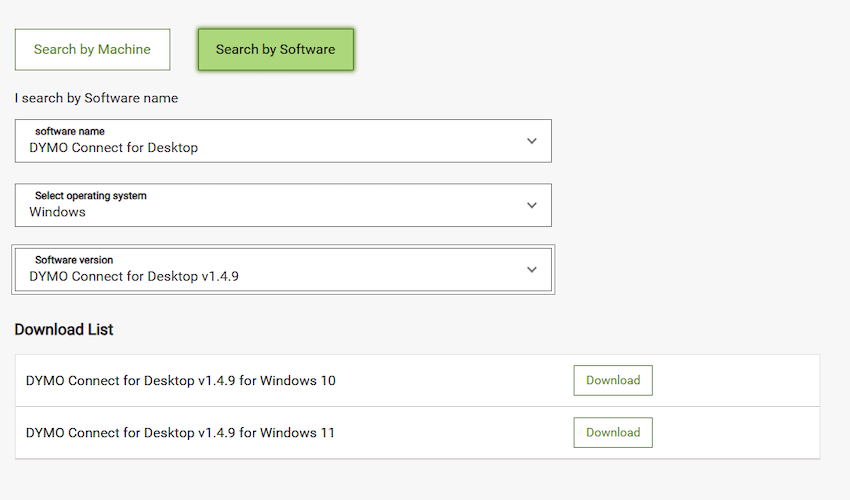
Install Dymo Connect Software
To use the Dymo LabelWriter, you need to install the appropriate software.
Please use this link to download them from the Software Download Center.
You need to install version 1.4.9
There's no further configuration required in IDM, you can print a test visitor label to confirm that everything is correctly installed.
Make sure that the Dymo Connect software is running and listening on the default port (41951).
 Atrás
Atrás
Siguiente
 Create custom Dymo label
Create custom Dymo label